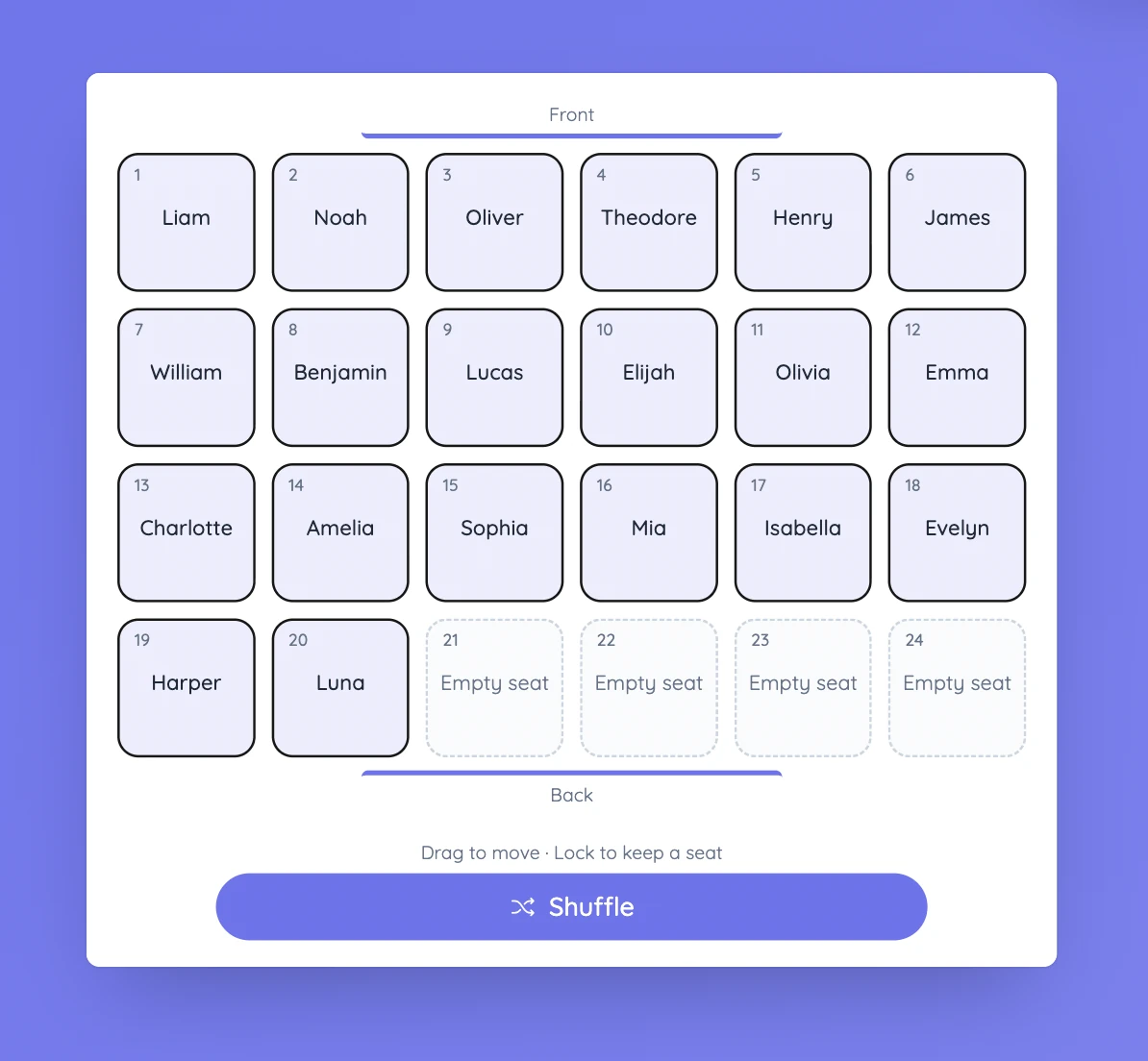
Check the plan against the real room
Think about sight lines, movement, access to materials, and where students need to be for the activity. A layout can look balanced on screen and still need changes once you picture the actual furniture and space.
Lock any seats you want to keep in place before shuffling. Locked students stay where they are during Shuffle, but you can still move them manually.
Controls and settings
Enter names or choose a saved list, then set the number of rows and columns. The grid needs enough spaces for every student, and any extra spaces appear as empty seats. Drag a student to an empty seat to move them, or onto another student to swap places. You can also select a student and then select the destination. Seats is available with Sabura Pro and during the Pro trial.
Set it up in Sabura
- Open Seats and enter names or load a saved list.
- Choose the number of rows and columns.
- Move or swap students, lock any seats you want to keep, and shuffle the rest if useful.
Prepare for a practical demonstration
Before a lesson where everyone needs a clear view of the front, build a seating plan and check sight lines. Keep any necessary positions fixed, shuffle the others, then make manual changes before asking students to move.
Teaching tip
Test the plan against the real classroom. A good-looking grid is not enough if aisles are blocked or students cannot see clearly.