Agree on the start and finish
Before timing, decide exactly when the measurement begins and ends. If different groups use different rules, their results will be hard to compare.
Elapsed time is not always a score. In a presentation, for example, clarity may matter more than finishing quickly.
Controls and settings
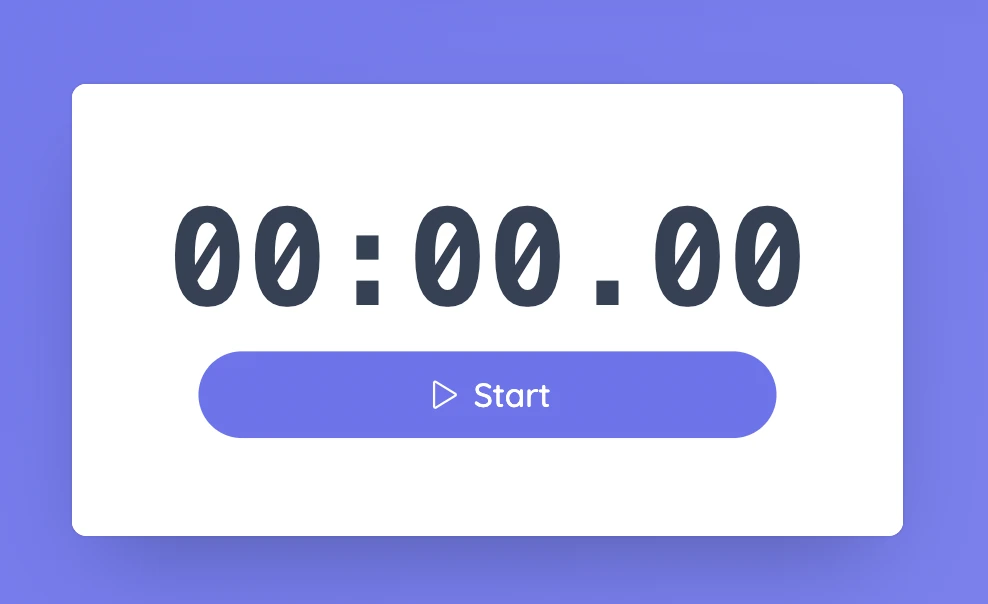
Start begins measuring minutes, seconds, and hundredths of a second. The same control becomes Pause, then Resume, so you can stop temporarily without losing the current reading. Reset returns the stopwatch to zero. If you need to keep a result, write it down before resetting.
Set it up in Sabura
- Open Stopwatch from the More menu.
- Start it at the agreed beginning of the activity.
- Stop at the agreed finish, record the result, and reset before the next attempt.
Compare paper spinners
Have groups build paper spinners and measure the time from release to landing. Agree on the start and finish first, then repeat the test several times. Ask students why the results may vary even when the design stays the same.
Teaching tip
Run one practice trial before collecting data. It is easier to spot an unclear timing rule before students start recording results.