Explain the task before you roll
Tell students what they should do with the result first. A number might become part of a calculation, a letter might start a vocabulary challenge, or two dice might create values to compare.
If one result is harder than another, give students the support they need. The random element is there to vary the prompt, not to judge performance.
Controls and settings
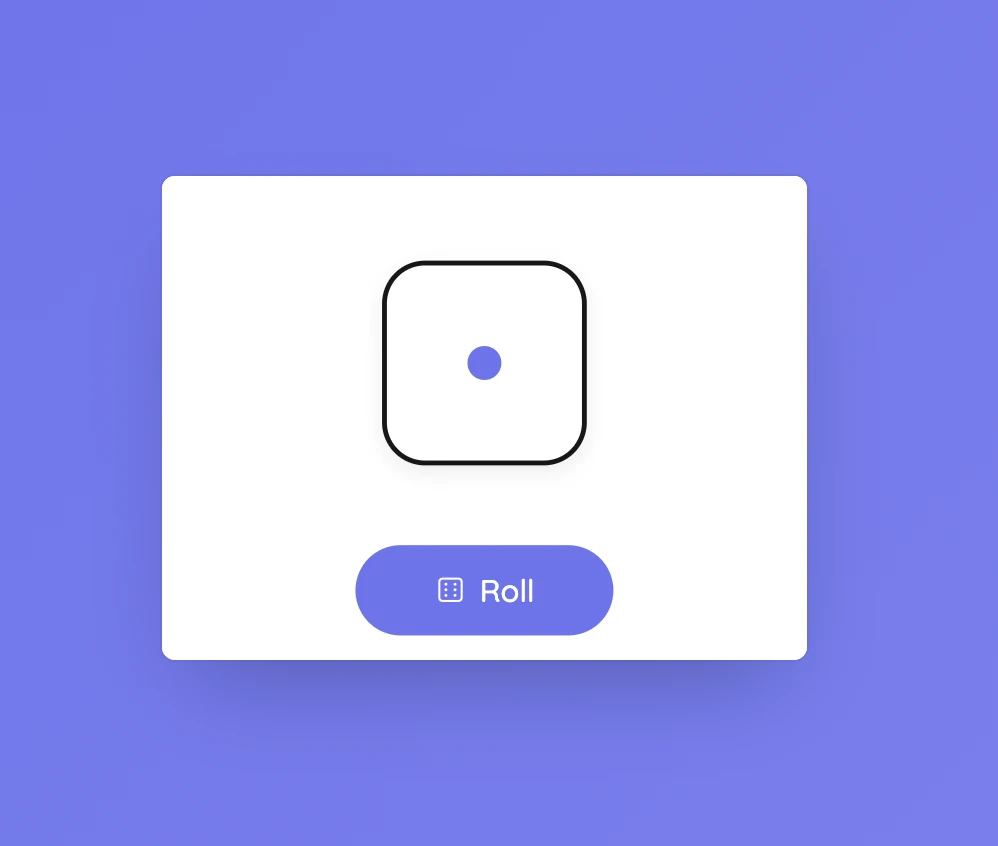
Choose one, two, or three six-sided dice. When several dice are used, the total is also shown. Letter modes are available for English, Spanish including Ñ, and Arabic. Custom number mode selects a whole number between the minimum and maximum values you enter, including both endpoints. The rolling sound can be turned off.
Set it up in Sabura
- Open Dice from the dashboard toolbar.
- Choose dice, a letter mode, or a custom number range.
- Press Roll and use the result with the activity instructions.
One roll, several number sentences
Roll two dice and ask pairs to write an addition, subtraction, and multiplication sentence using the numbers. Then ask which result is largest and how they know.
Teaching tip
Keep the activity rule visible beside the dice. The result changes; the instructions should not.


%20rotate(6.84)'/%3e%3crect%20class='cls-3'%20x='1.58'%20y='9.99'%20width='43.08'%20height='50.91'%20rx='6.4'%20ry='6.4'%20transform='translate(-.15%20.1)%20rotate(-.24)'/%3e%3crect%20class='cls-4'%20x='18.46'%20y='19.37'%20width='43.08'%20height='50.91'%20rx='6.4'%20ry='6.4'/%3e%3crect%20class='cls-1'%20x='18.46'%20y='19.37'%20width='43.08'%20height='50.91'%20rx='6.4'%20ry='6.4'/%3e%3ccircle%20class='cls-2'%20cx='41.09'%20cy='39.96'%20r='7.28'/%3e%3cpath%20class='cls-2'%20d='M41.09,47.24c-6.79,0-12.35,5.24-12.87,11.9h25.74c-.52-6.66-6.08-11.9-12.87-11.9Z'/%3e%3c/g%3e%3c/g%3e%3c/svg%3e)