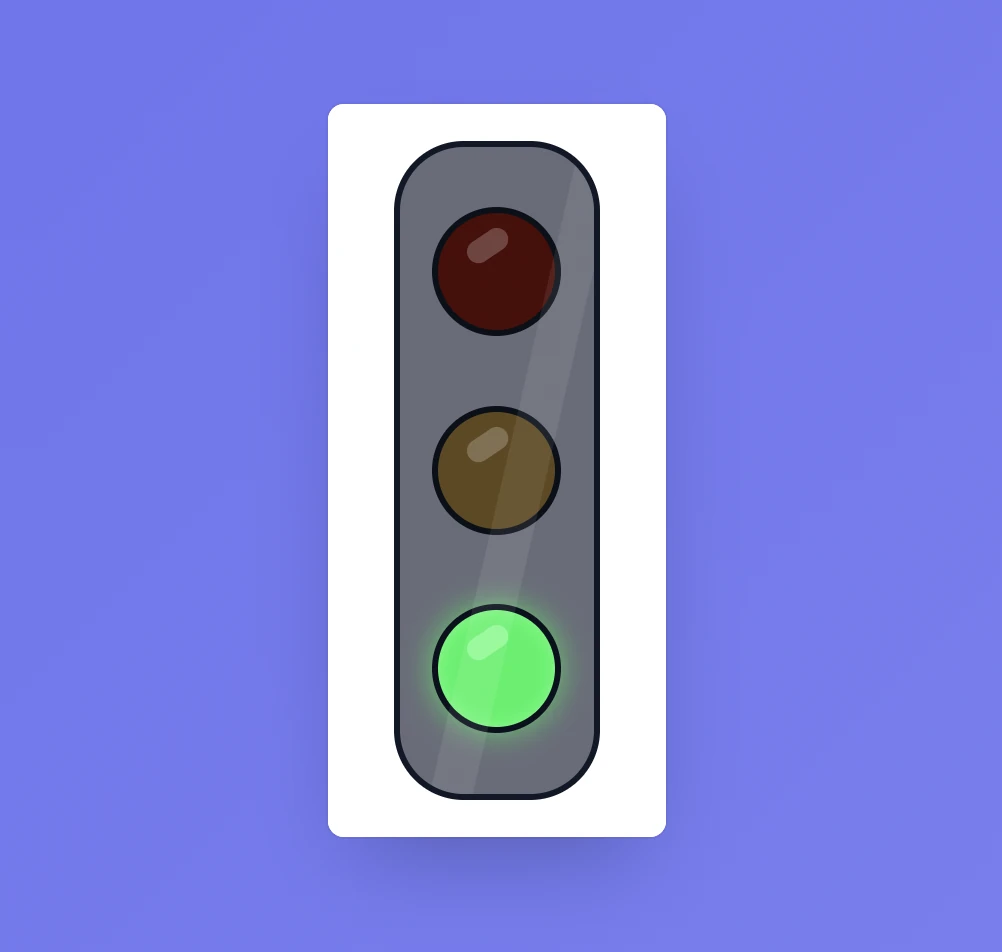
Agree on what each colour means
Green might mean “Keep working”, yellow “Finish this step”, and red “Stop and listen”. Choose meanings that work for your class and teach them before you rely on the signal during a busy activity.
Add a short written message as well as the colour. It makes the instruction clearer for everyone and avoids relying on colour alone.
Controls and settings
Click a light to make red, yellow, or green active. In Settings, write a separate message for each colour. The message changes with the selected light. You can leave the text blank if you only want the visual signal, but a short action usually makes the routine easier to follow. You change the light yourself; the tool does not switch automatically.
Set it up in Sabura
- Open Traffic from the toolbar or More menu.
- Write a short action for each colour.
- Change the light as the class moves from one stage to another.
Finish a practical task calmly
Use green while students are working. Switch to yellow with “Finish this step and put the equipment down”. A little later, show red with “Hands free; listen”. Students get time to finish safely before you start the next instruction.
Teaching tip
Tie each colour to an action rather than a judgement about behaviour. “Pause and listen” is clearer than a label such as “bad behaviour”.