Turn a date into a plan
Once you have shown a deadline, ask what needs to be ready beforehand. If the final submission is Thursday, when should the first draft be finished? When will there be time for feedback?
Keep longer instructions in Notes and use the calendar for the dates students need to remember.
Controls and settings
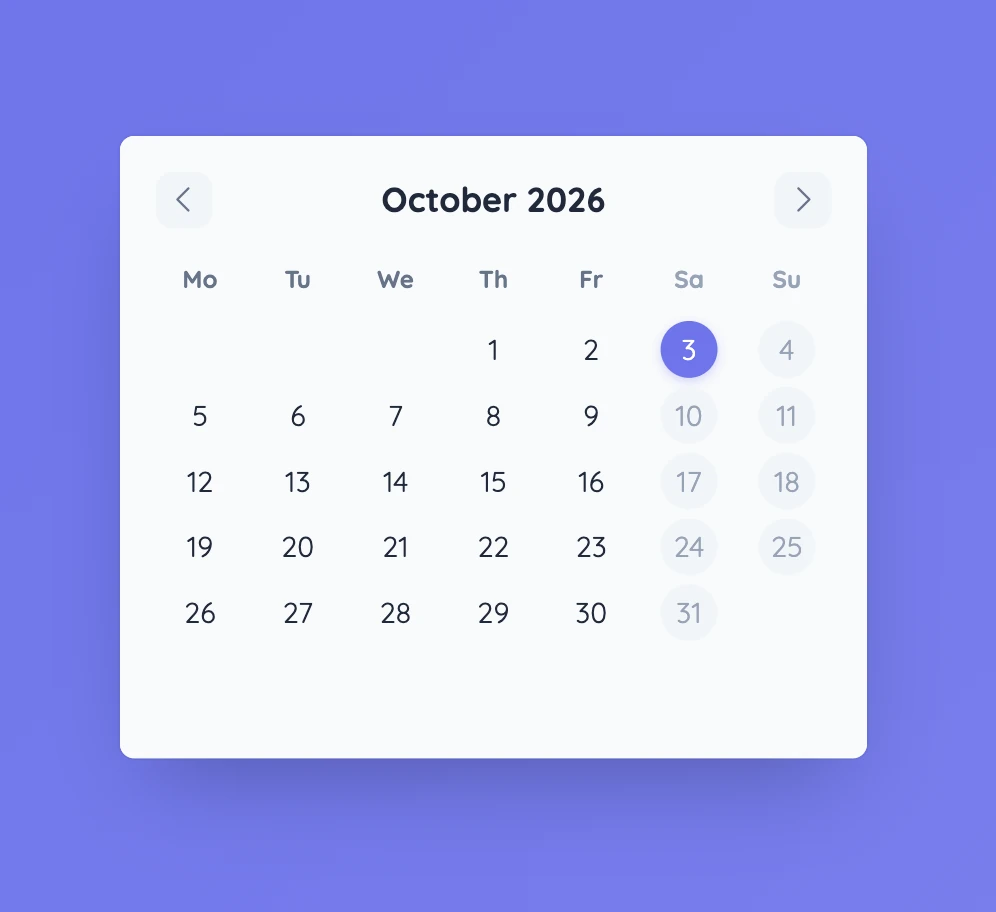
Use the arrows to move between months. Today is highlighted in the calendar. In Settings, choose whether the week starts on Sunday or Monday, then add events with a date and short description. Saved event dates are marked in the grid; select one to read the details. Events can be edited or removed later.
Set it up in Sabura
- Open Calendar and move to the month you need.
- Add an event with its date and short description.
- Save it, then select the marked date when you want to discuss it with the class.
Plan backwards from exhibition day
Show the date of a class exhibition and ask when the model, first draft, and feedback stage need to happen. Compare different plans and discuss which one leaves enough time for revision.
Teaching tip
Give each date a clear outcome. “First draft ready” is easier to plan around than a vague label such as “Writing stage”.