Give students a focus before you press play
Ask them to notice something specific: a change, a sequence, an example, or evidence for an idea. Pause whenever a moment deserves discussion, then continue when the class is ready.
After the clip, return to the same question and ask students to use details from what they watched.
Controls and settings
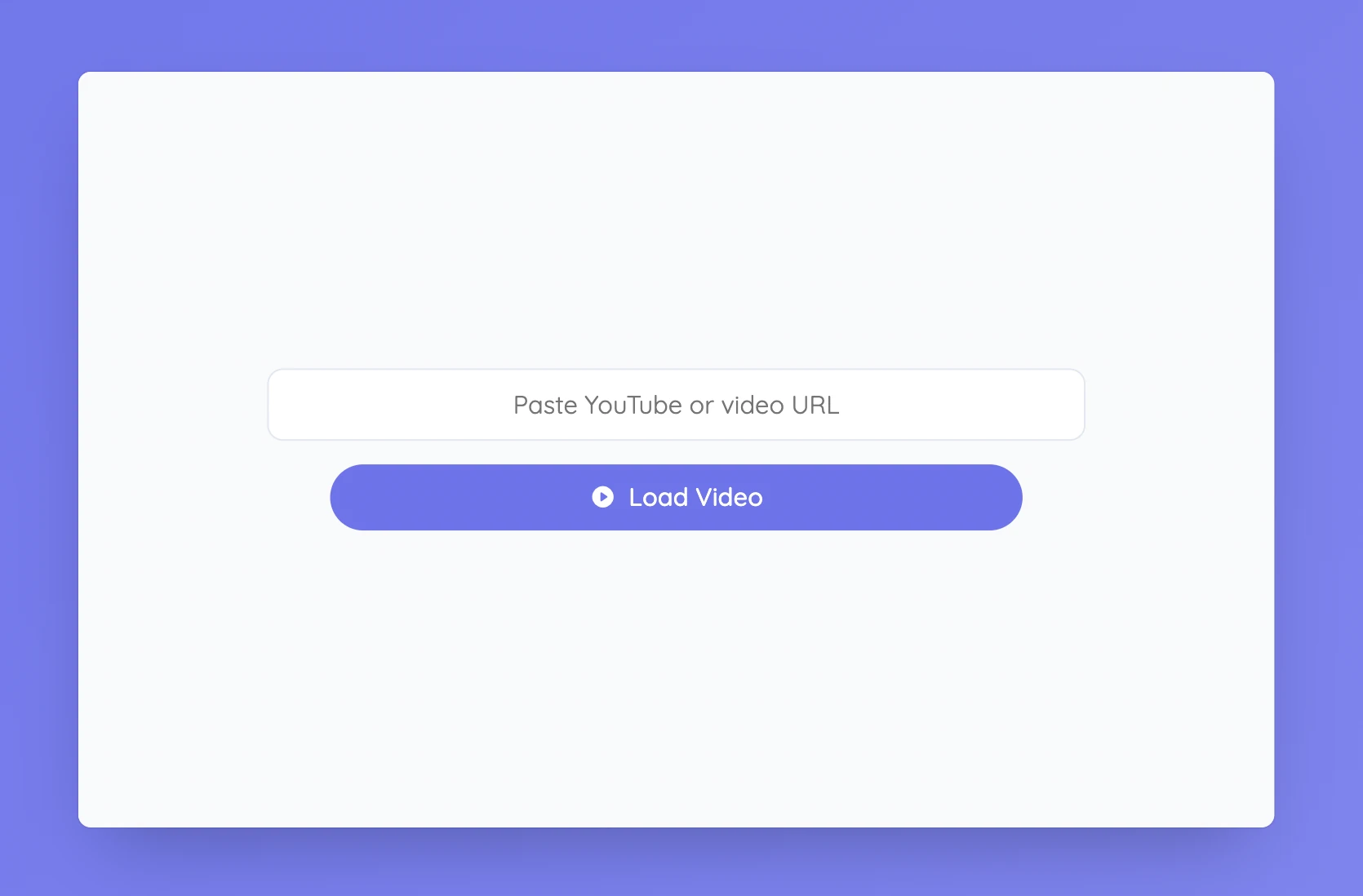
Paste a YouTube link or another video address supported by the tool, then select Load Video. Use the player controls to play, pause, and move to a useful point in the clip. Reset returns to the address field so you can load something else. A webpage that contains a video is not always a playable video URL, and some providers block embedded playback, so test the exact link before class.
Set it up in Sabura
- Open Video Player from the More menu.
- Paste a supported video link and select Load Video.
- Put the viewing question on screen, then play or pause as needed.
Follow a process in sequence
Show a short clip of seed germination and ask students to note the first visible change and what happens next. Pause to compare observations, then ask them to write the sequence using words such as first, next, and finally.
Teaching tip
If the clip is central to the lesson, keep a still image or short written alternative ready in case playback fails.