Start with a clear question
Before students use a simulation or interactive resource, tell them what to change and what to watch for. A screen full of controls is much easier to use when the purpose is clear.
Some websites do not allow their pages to appear inside other sites. If a provider blocks embedding, use the original link instead.
Controls and settings
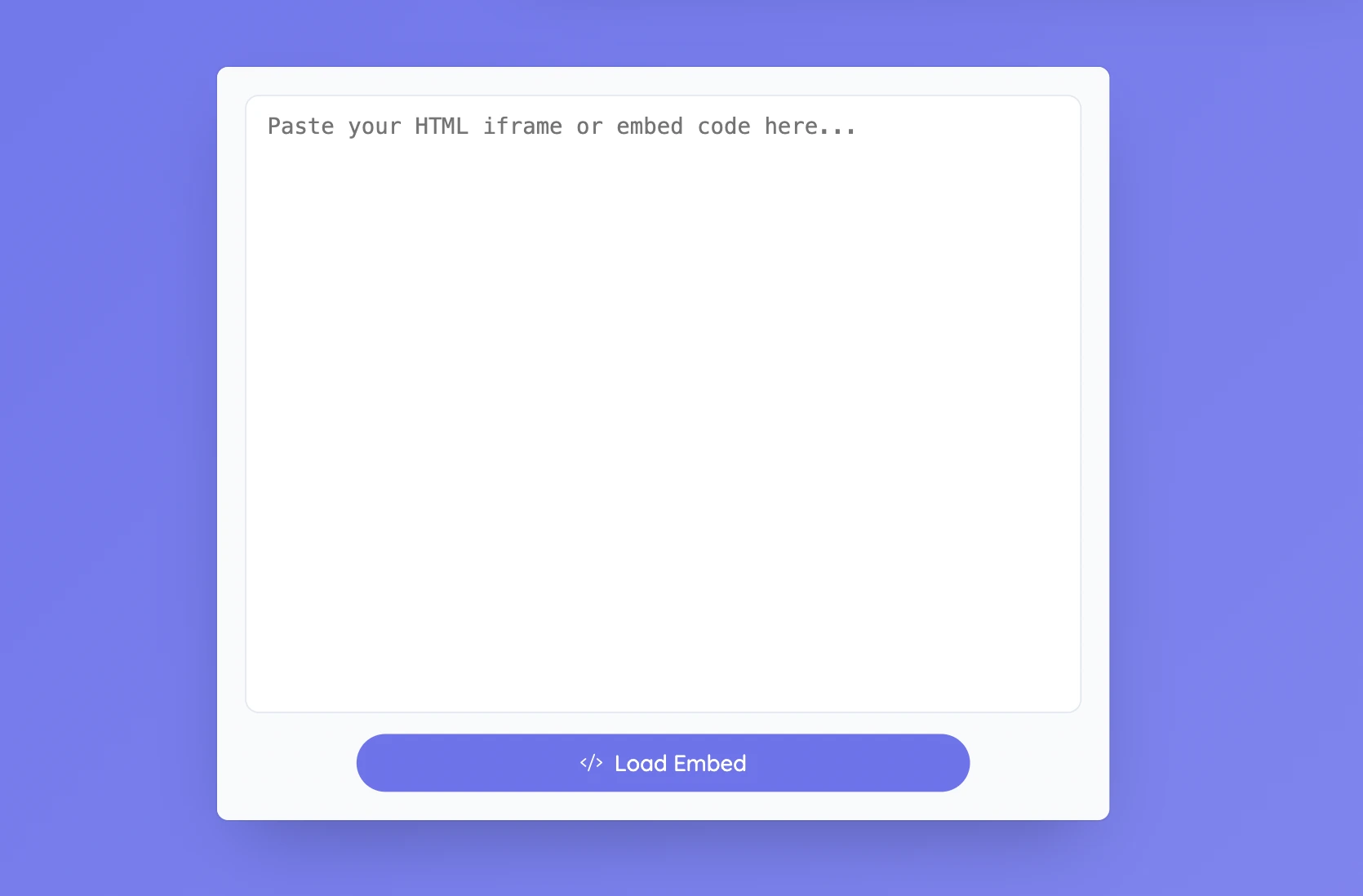
Paste the HTML or iframe snippet supplied by the resource and select Load Embed. Resize the window so the important controls are visible. Reset returns to the code field when you want to replace the content. Whether an embed works depends on the provider’s rules and the features the activity needs. A normal webpage link is not always valid embed code.
Set it up in Sabura
- Open Code Embed from the More menu.
- Paste the supported HTML or iframe snippet.
- Load and test the content, then put the question or instructions beside it.
Change one thing and watch what happens
Open a suitable simulation and ask students to predict what will happen when one setting changes. Record the prediction in Notes, make the change, and compare the result with what the class expected.
Teaching tip
Keep the original resource link available. If the embed fails, you can open the same activity in a separate tab without changing the lesson.