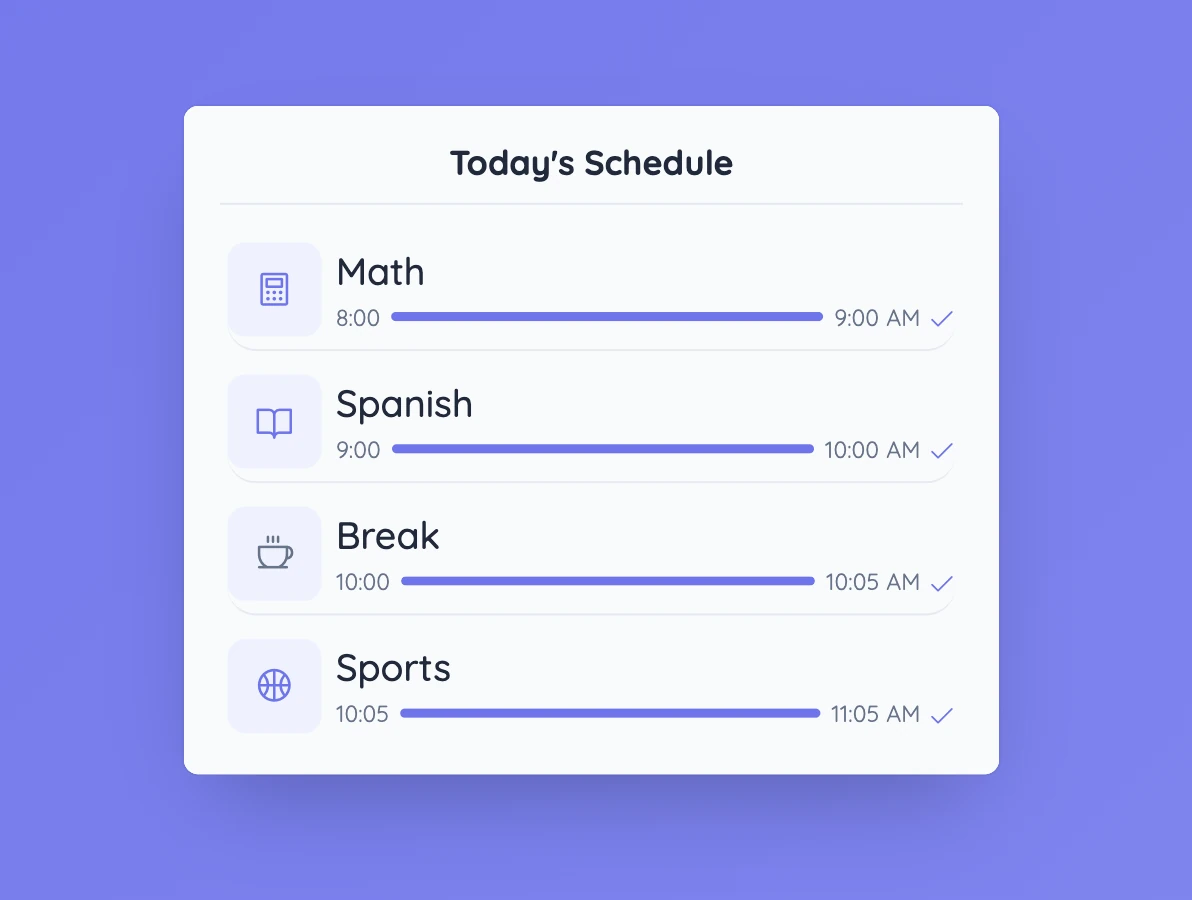
Use clear names for each stage
Labels such as “Independent practice”, “Compare answers”, and “Exit question” tell students more than broad headings. Keep the list short enough that it can be understood at a glance.
The timetable can change with the lesson. If the class needs longer on one stage, adjust the plan rather than rushing through the next one.
Controls and settings
Choose List for a simple sequence, Checklist when you want to mark stages as complete, or Timed schedule when you need start times and durations. You can add activities and breaks, choose an icon for each row, and show or hide the title. Timed schedules also support a transition sound and 12- or 24-hour time.
Set it up in Sabura
- Open Timetable and go to Settings.
- Add the lesson stages, times, and icons you need.
- Keep the timetable visible and refer to it as the class moves between activities.
A four-part maths lesson
Set up four stages: worked example, independent attempt, partner comparison, and exit question. Students can see from the start that the partner discussion comes after they have tried the problem themselves.
Teaching tip
Do not turn every small action into a timetable item. Show the transitions students actually need to understand.