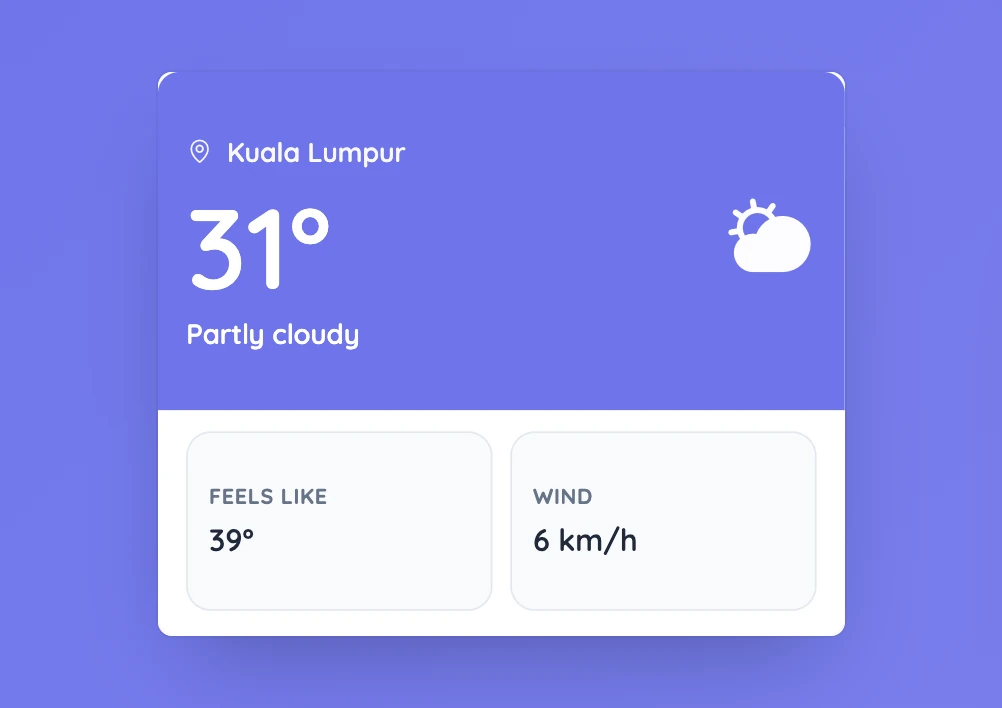
Separate what students observe from what the display reports
Ask students what they can see or feel first, then look at the temperature and weather description. Personal experience and measured data can both be useful, but they are not the same thing.
The tool needs location permission and an internet connection to retrieve nearby conditions.
Controls and settings
The card shows the location, temperature, weather description, condition icon, feels-like temperature, and wind speed. Allow location access when prompted if you want nearby conditions. Refresh requests updated data. If nothing appears, check the browser’s location permission and internet connection.
Set it up in Sabura
- Open Weather from the More menu.
- Allow location access if you want local conditions.
- Read the display with the class and compare it with what students observe outside.
Describe today’s weather more precisely
Ask students for words such as sunny, cloudy, warm, or cold before opening the tool. Then compare those words with the displayed temperature and condition. Discuss which statements are observations, which are measurements, and which are personal feelings.
Teaching tip
If location access or the connection fails, the activity can still begin with what students can see outside.