Connect the time to something students need to do
Instead of simply telling students to watch the clock, give the time a purpose: “We will compare answers at 10:25.” That makes it easier for students to use the clock to manage the task.
If the main question is how many minutes are left, use Timer instead.
Controls and settings
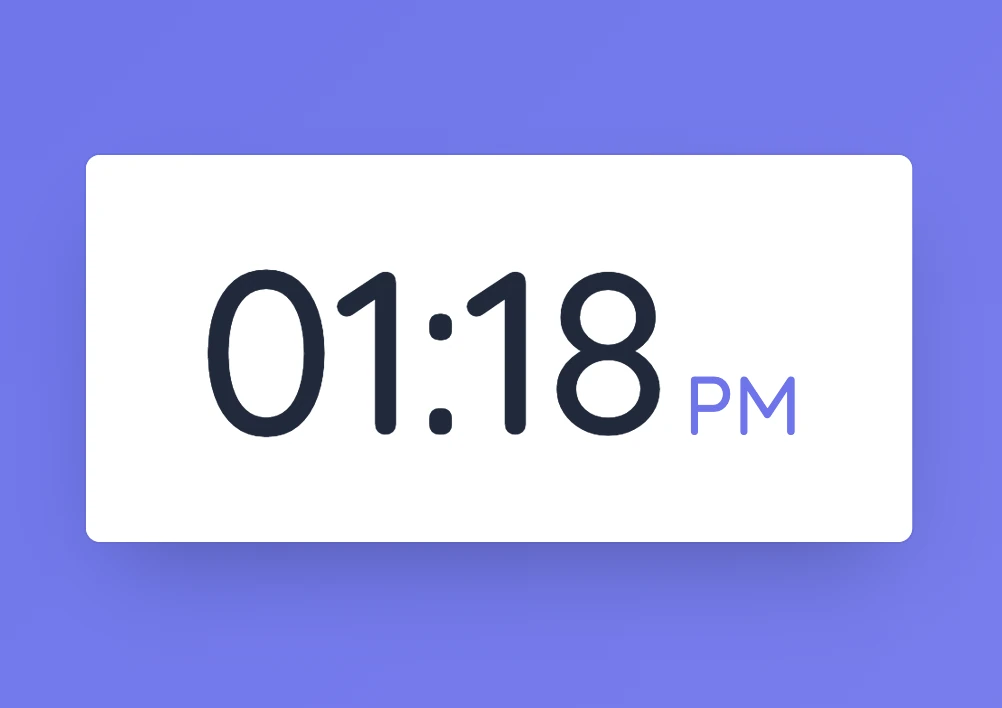
Choose Digital for large numbers or the analogue display for a clock face with moving hands. Both show the current device time. Settings also lets you turn on an alarm and choose its hour and minute. If the displayed time is wrong, check the time settings on the device.
Set it up in Sabura
- Open Clock from the More menu.
- Choose the display you prefer.
- Position it on the board and set an alarm if you need one.
Rehearse until a set time
Ask students to practise a short presentation until 10:25. Put three reminders beside the clock: state the main idea, explain the evidence, and finish with a conclusion. When the agreed time arrives, everyone knows the rehearsal stage is over.
Teaching tip
Use Clock when the actual time of day matters. Use Timer when students need to know how much time remains.