Practical guides for creating a more organized and engaging classroom screen
Read practical guides about classroom dashboards, teacher tools, and using Sabura to keep lesson instructions, timing, and participation in one place.

Latest Resources
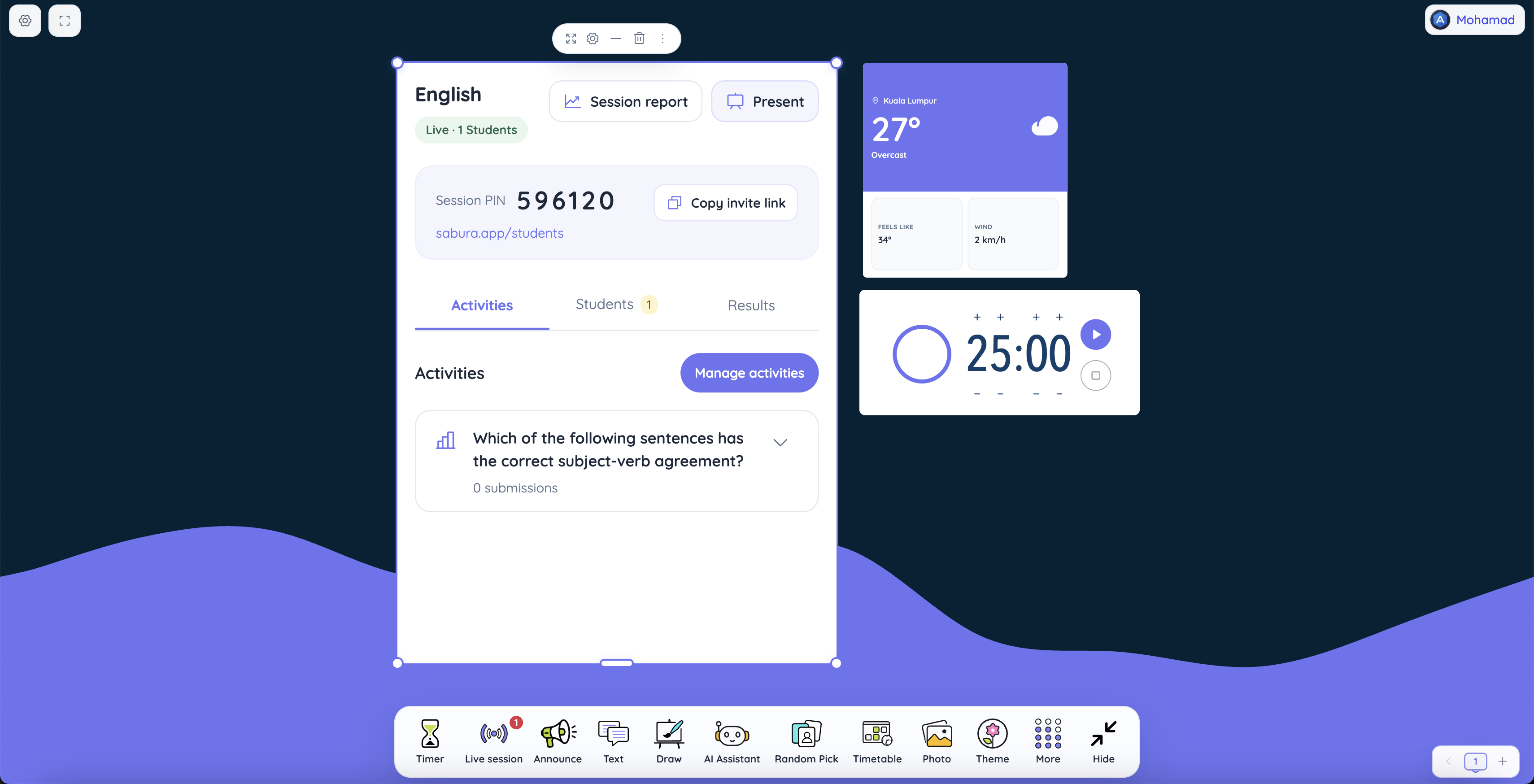
The Two-Minute Question That Can Change Your Lesson
Learn to run classroom votes, quizzes, raised-hand discussions and participation checks with Sabura Live Sessions, plus reports and real teaching examples.
Read article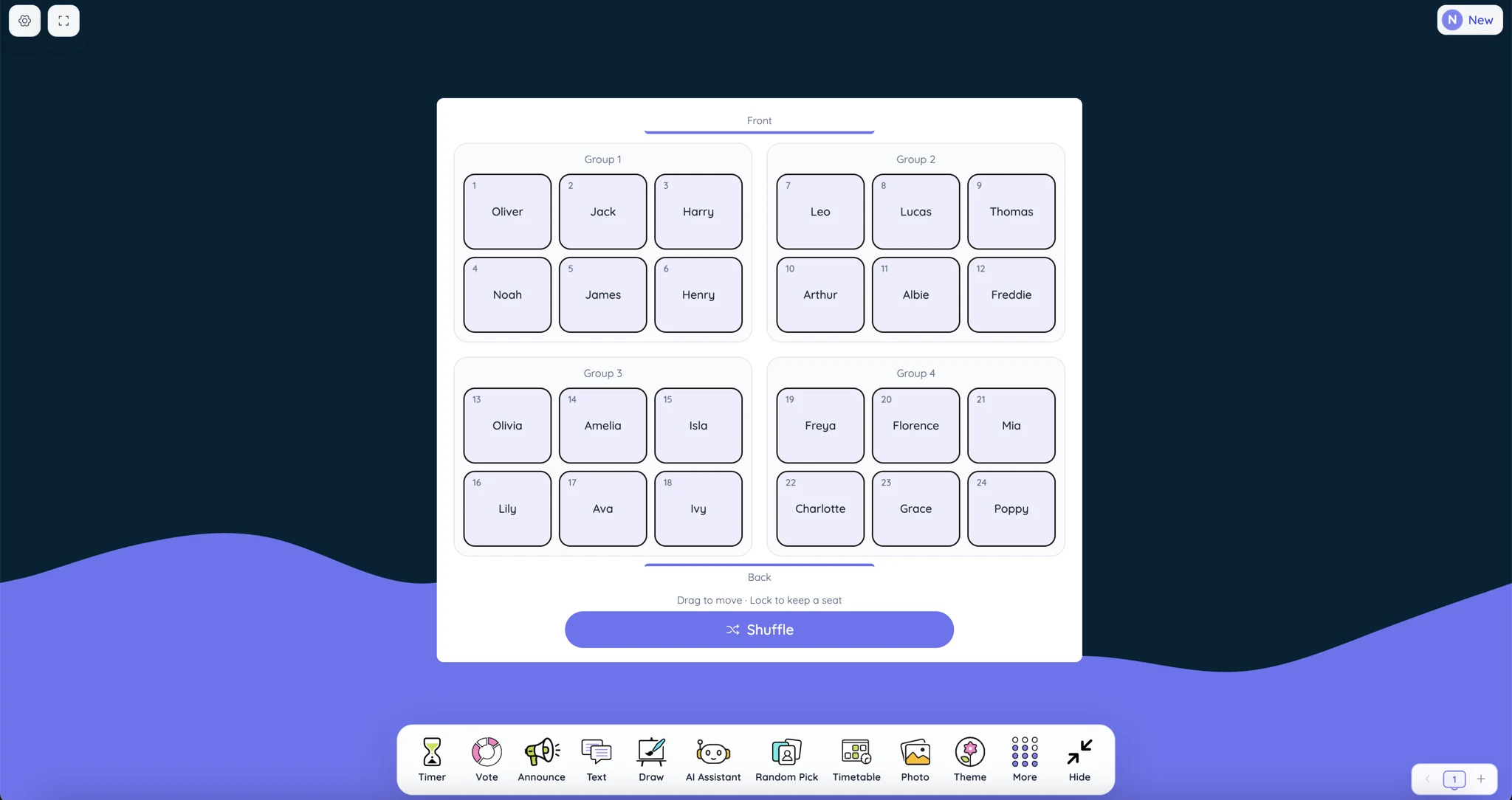
Classroom Seating Arrangements: Best Practices, Common Mistakes, and Practical Ideas
Explore classroom seating arrangements, including rows, pairs, groups and U-shapes. Learn what works, what to avoid, and how to plan student seats.
Read article
Sabura vs Canva for Education: Different Classroom Tools, Better Together
See how Canva’s content-creation tools and Sabura’s live classroom workspace can support one smoother teaching workflow.
Read article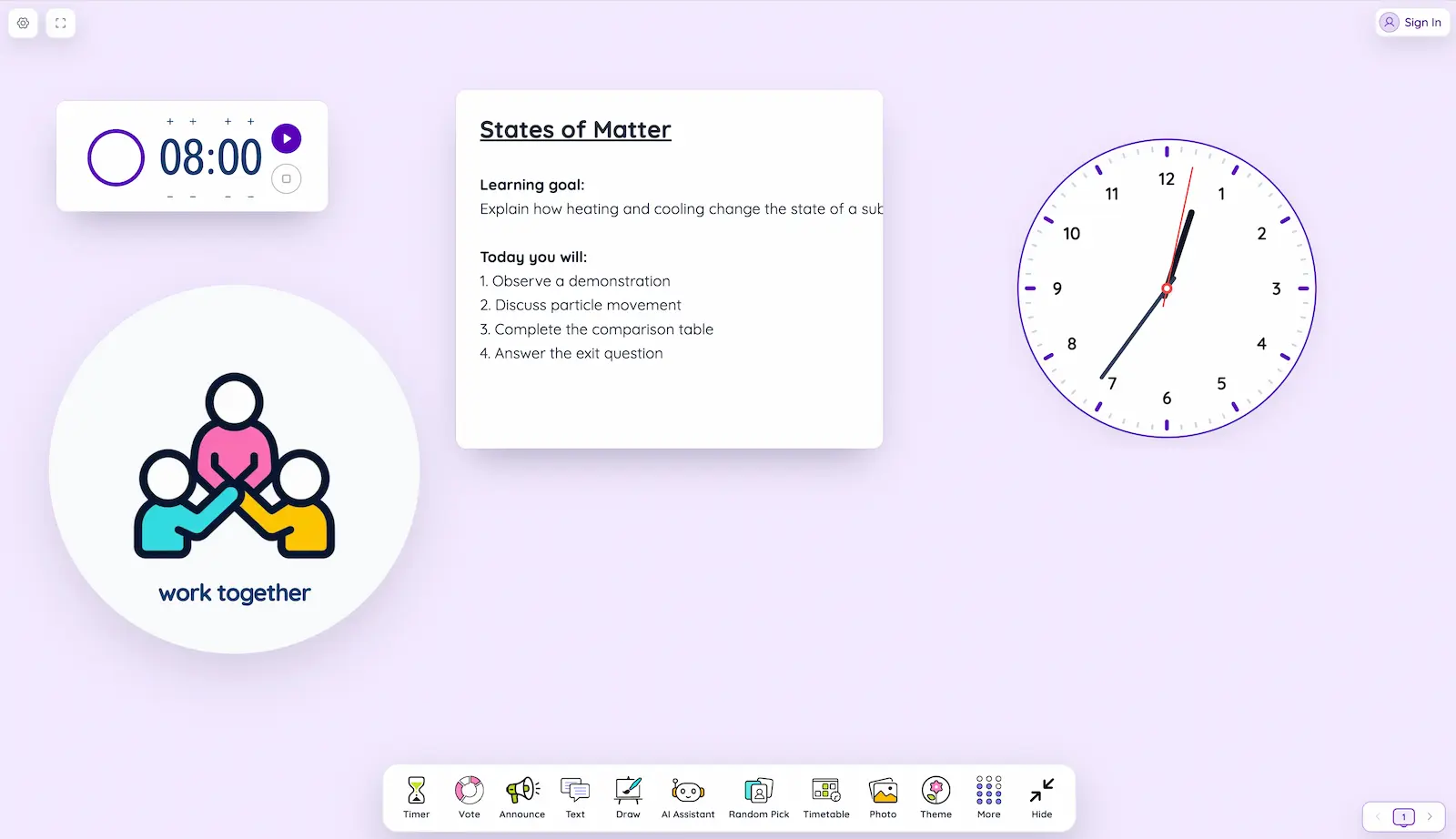
25+ Sabura Classroom Tools: What They Do and When to Use Them
See what all 24 classroom widgets and seven workspace features do, with practical combinations for real lessons.
Read article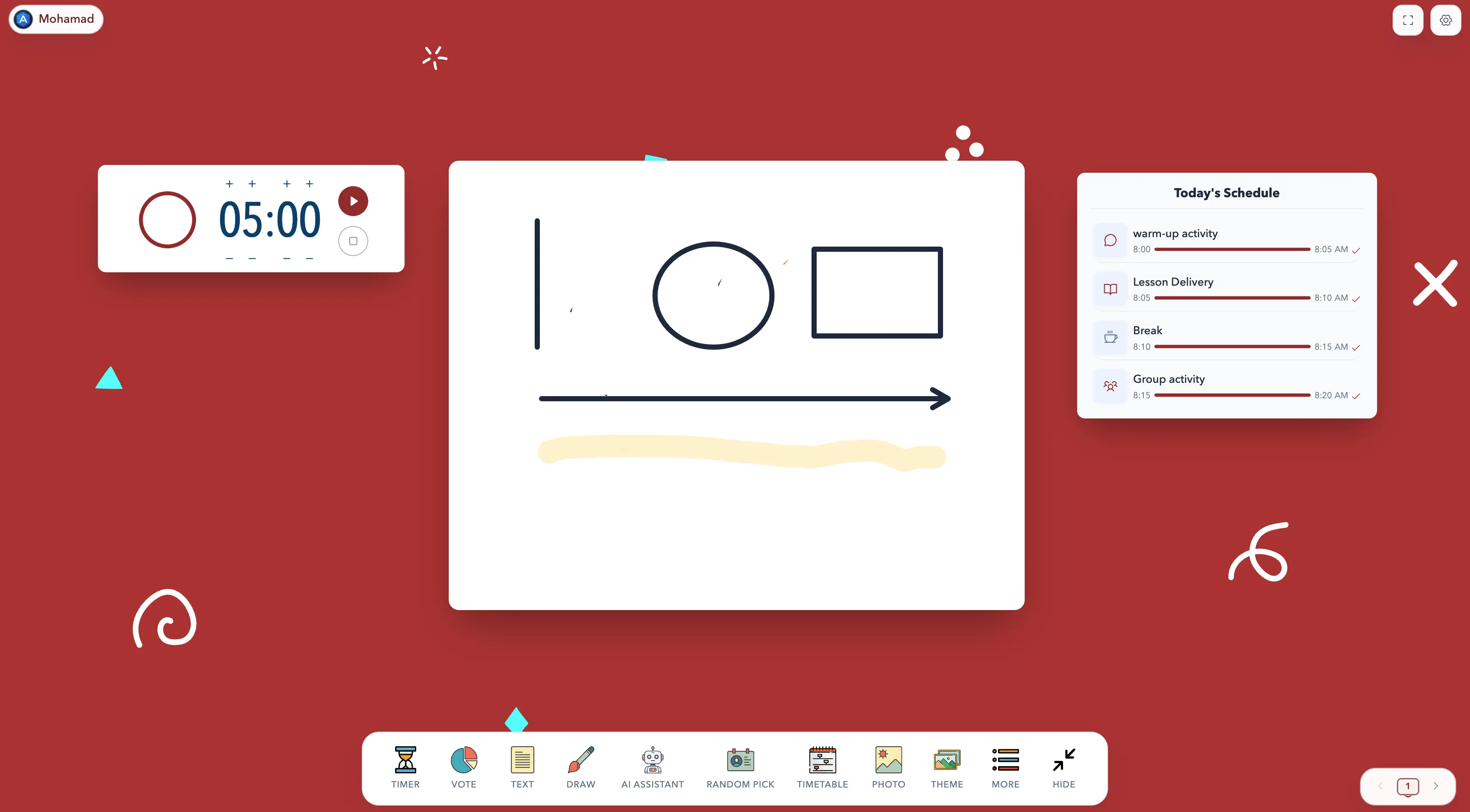
Teacher’s Guide: How to Use Sabura’s Draw Board
Explore pens, shapes, colors, backgrounds, and the temporary QR code students can scan to download the finished board.
Read article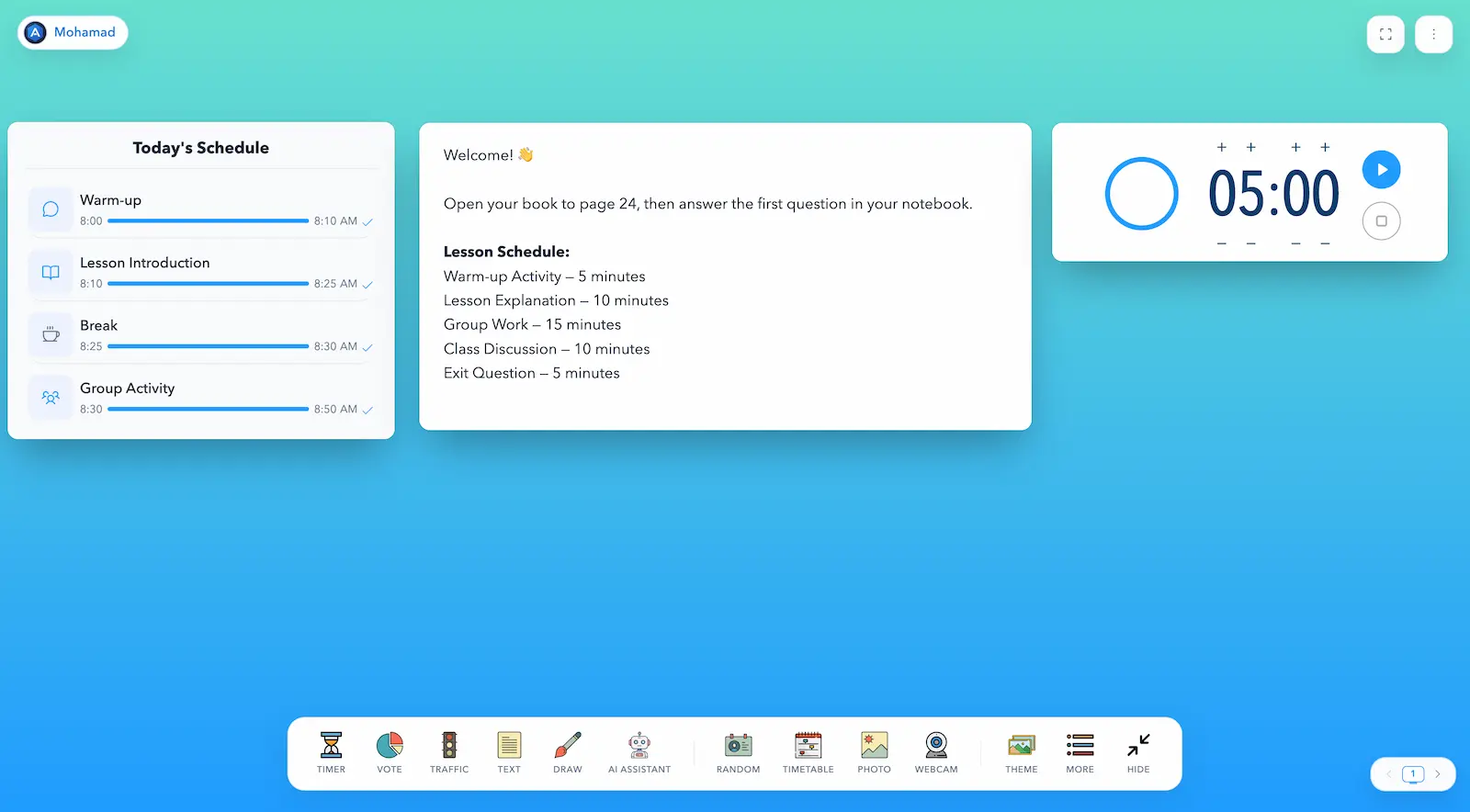
How to Use Sabura: A Simple Guide for Teachers
Create your first board in five minutes, arrange the tools clearly, prepare the lesson, and follow a practical 45-minute example.
Read article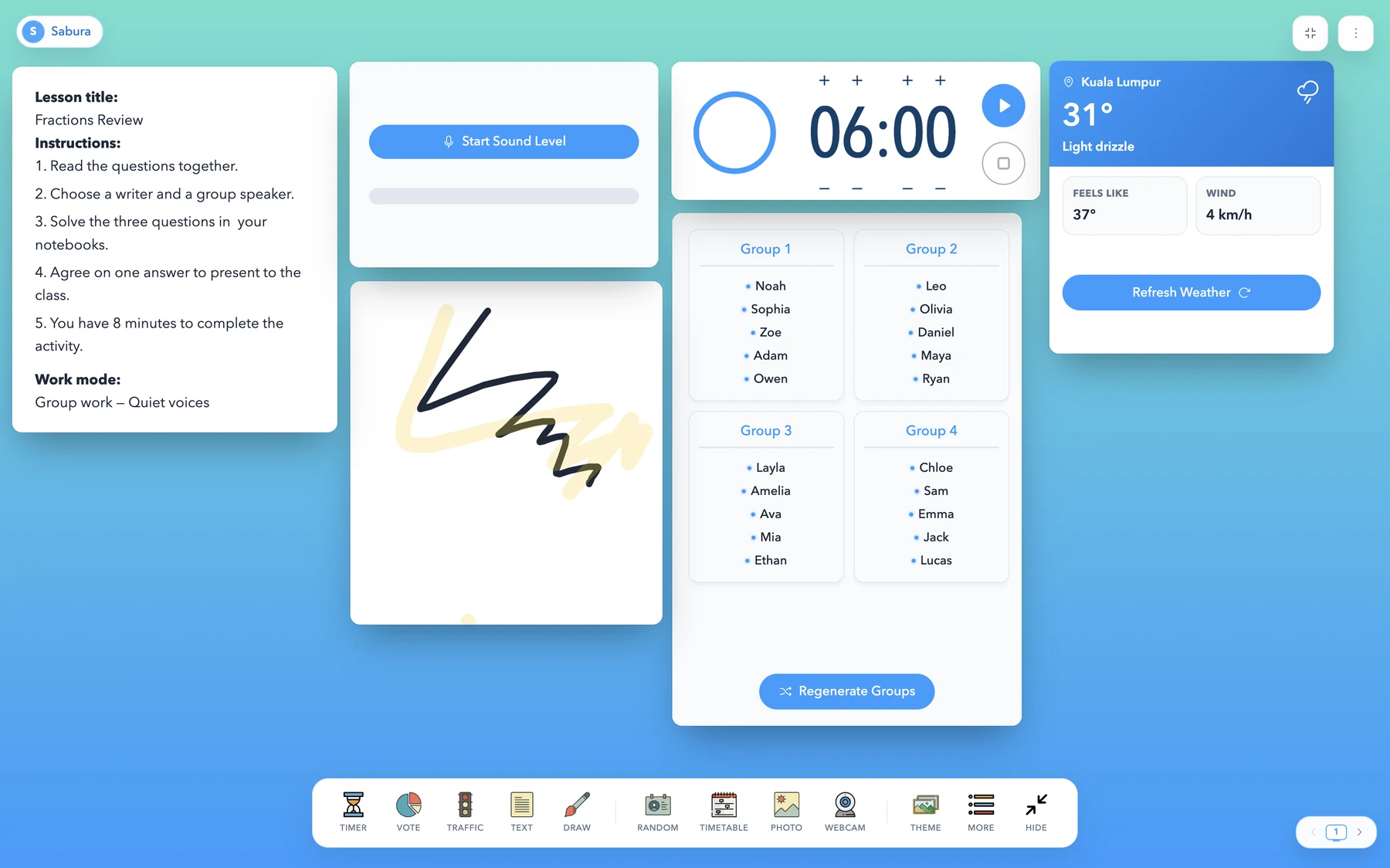
Looking for a Classroomscreen Alternative? Try Sabura
See how Sabura brings timers, groups, voting, a whiteboard, and classroom-management tools into one customizable screen.
Read article